

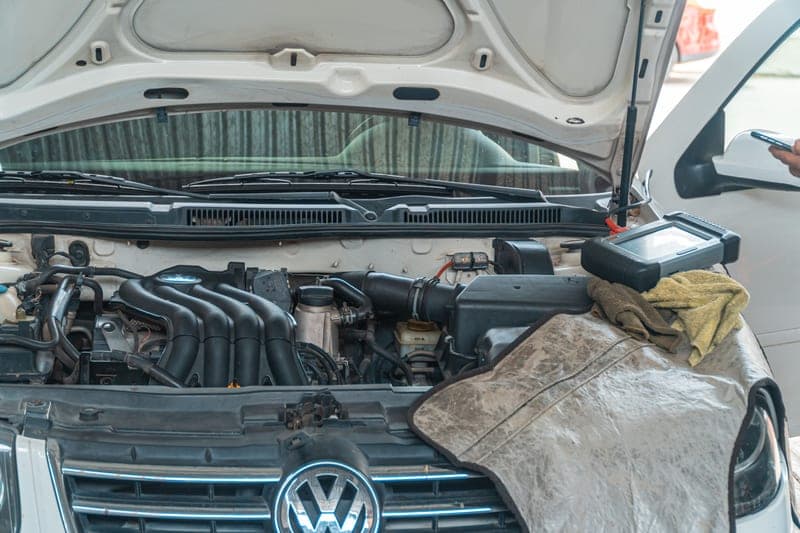
Direct answer: a basic scanner reads what the car's computers report. A bi-directional scanner can also send commands — cycle a fuel pump, activate a fan, retract an electronic parking brake, run an ABS bleed sequence. If you are doing rear brakes on a car with an electronic parking brake, bi-directional is not a luxury; it is the difference between finishing the job and calling a shop with the wheel already off.
What "commanding" actually means
Reading is passive: you ask a module what it has stored and what its sensors currently say. Commanding is active: you tell a module to operate an actuator. That is genuinely different, both in what it enables and in what it can do wrong.
| Function | What it does | Why you would need it |
|---|---|---|
| EPB retract / service mode | Winds an electronic parking brake caliper back | Rear brake pads on most modern cars |
| ABS bleed | Cycles the ABS pump and valves while bleeding | Air trapped in the ABS unit after a brake job |
| Active test of a component | Turns a pump, fan, relay or valve on and off | Confirming a part is dead rather than guessing |
| SAS reset | Recalibrates the steering angle sensor | After suspension or steering work |
| Injector or battery registration | Tells the car a component has been replaced | After replacing a battery or injectors on some cars |
The electronic parking brake problem
This is the single most common reason a home mechanic discovers they bought the wrong scanner. On a car with an electronic parking brake, the rear caliper pistons are driven by a motor. To fit new pads the piston has to be wound fully back, and on many vehicles that has to be commanded electronically — the mechanical wind-back trick that works on a conventional caliper does not apply.
Check whether your car has an electronic parking brake before buying a scanner: if the parking brake is a switch or a button rather than a lever or a pedal, it probably does. The brake job tool list treats this as a required item rather than an optional one.
Who can safely skip bi-directional
- Anyone whose plan is diagnosing warning lights and nothing more
- Owners of older vehicles with a conventional handbrake and no advanced modules
- Anyone who has a shop do brake and suspension work and only wants to understand what is wrong first
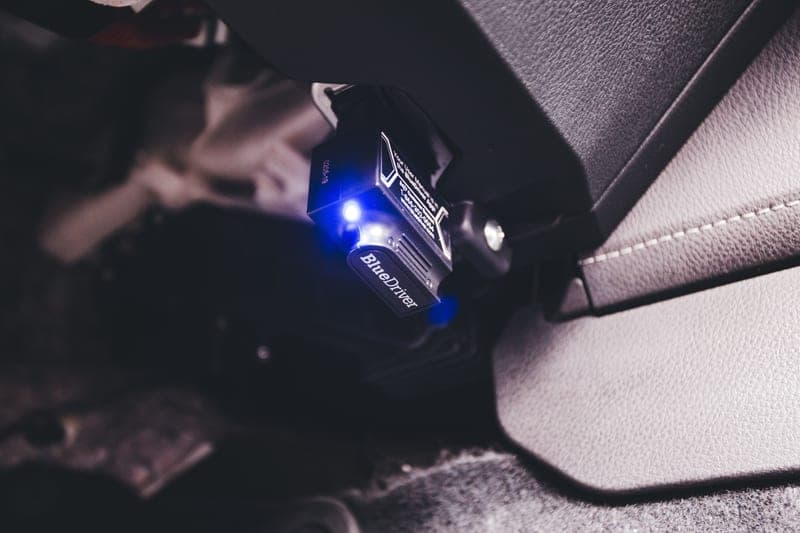
For all three, a basic reader or an enhanced non-bi-directional tool like BlueDriver Pro is the right purchase and the extra capability would sit unused.
The coverage caveat that matters most
A tool advertising bi-directional control does not guarantee bi-directional control on your car. Function support is negotiated per make, model and year, and it is the area where marketing and reality diverge most. Autel, Innova and TOPDON all publish coverage lookups. Use them, for your exact vehicle, before you buy for a specific job.
The short version
- Basic = reads. Bidirectional = reads and commands.
- The job that forces the upgrade is rear brakes on a car with an electronic parking brake
- Enhanced is not the same as bidirectional — enhanced reads more modules, it does not command
- Check the maker's coverage lookup for your exact vehicle, not the feature bullet list
- If you only diagnose warning lights, you do not need it