
Skip to content
JACK & TORQUE

Beginner roundup

Best OBD2 Scanner for Beginners

Your first scanner has one job: turn a warning light into a sentence you can act on.

By Ryder M. · Published September 26, 2026 · Last reviewed September 26, 2026

We earn a commission when you buy through the Amazon links on this page, at no extra cost to you. It never changes which tool we put first, and we publish no price we have not verified. How this site is funded.

Best OBD2 Scanner for Beginners — ranked picks with scores and a price check for each
#PickKey capabilityScorePrice
1
An auto mechanic inspecting a car engine in a garage
Autel AutoLink AL319Best first scanner
TFT color, 220 x 1768.5
2
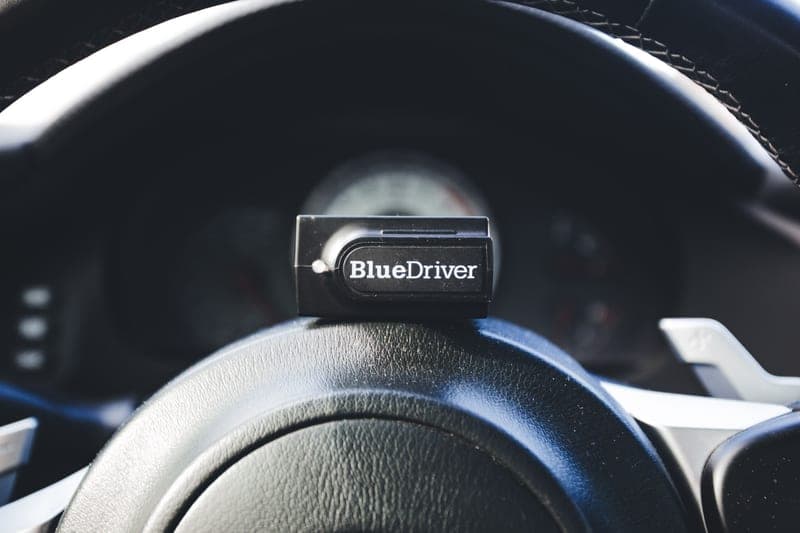
A Bluetooth code reader resting on a car steering wheel
BlueDriver ProBest first scanner if you want the answer explained
Bluetooth to iOS and Android8.8
3
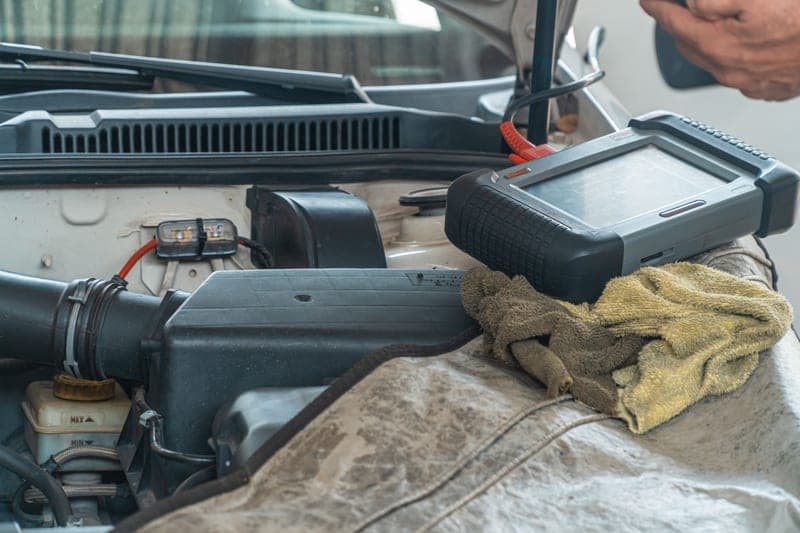
A car engine being inspected with a handheld diagnostic tool
FOXWELL NT301Best first scanner for watching live data
2.8 in TFT color8.4

Photographs on this page are licensed stock images that show the category, not the exact model, and not anything we own. We have no test rig and claim none.

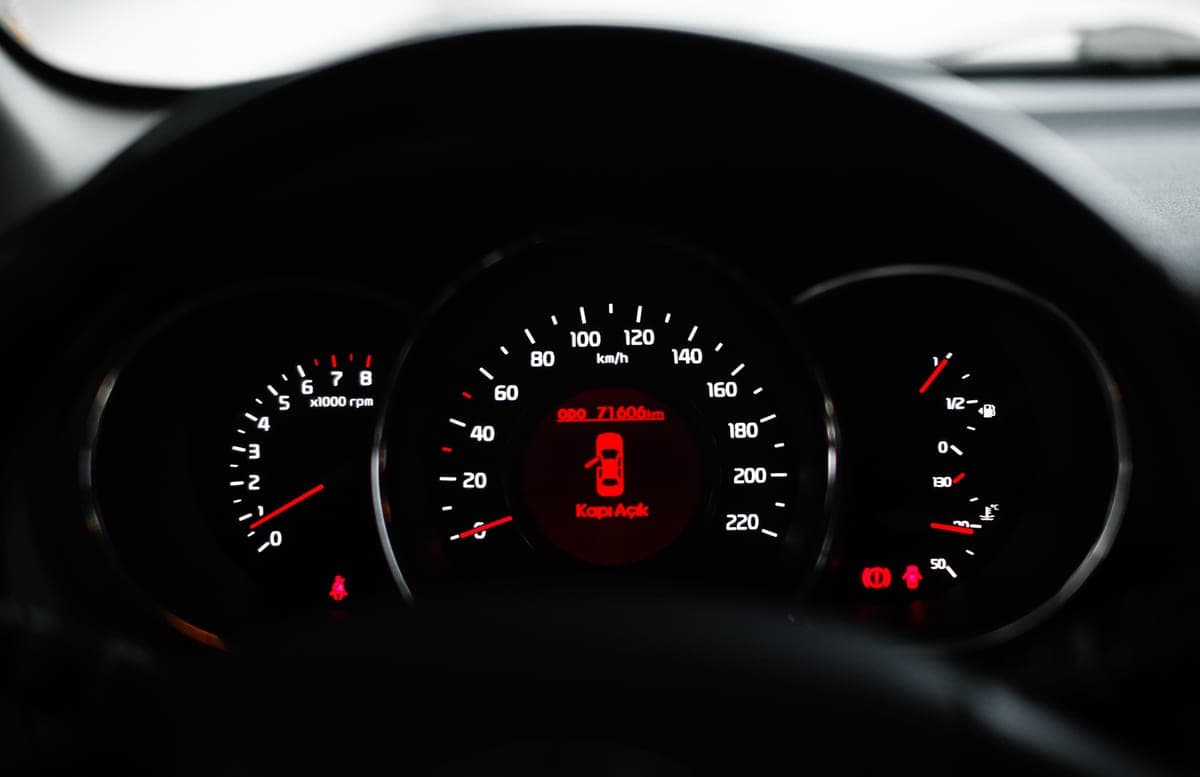
A car dashboard showing a warning light with dials and gauges in focus

The first scanner is bought in a specific situation: a light came on, the car seems to be driving normally, and you want to know whether this is a loose gas cap or something expensive. A good first tool answers that in under two minutes.

It does not need thirty service functions. It needs to be quick, obvious and hard to get wrong.

What actually matters in a first scanner

First-scanner priorities, ranked
PriorityWhyWhat to look for
Reads and explains codesA raw code is not an answerCode definitions on screen, or repair reports
Emissions readiness checkThe pre-smog-test questionA dedicated I/M readiness key
Freeze frameShows conditions when the fault occurredListed explicitly in the spec
Live dataCatches intermittent problemsGraphing, not just numbers
SimplicityYou will use it twice a yearNo account, no subscription, few menus
First-scanner priorities, ranked

What to ignore for now

Bi-directional control, thirty-function service menus, and coverage for module types your car may not even have. These are genuinely useful when you reach the job that needs them — a rear brake change on a car with an electronic parking brake is the classic one — and paying for them before then buys complexity you will navigate around.

If you already know you are heading for brake work, skip to bidirectional vs basic and buy once.

Your first use, in five minutes

  1. 1.Find the port

    Under the dash on the driver's side, usually within about 18 in of the steering column. Sometimes behind a small trim cover. Every 1996-and-newer US vehicle has one.

  2. 2.Plug in with the ignition on, engine off

    Key to the on position but not started. That is enough to power the computers and read stored codes.

  3. 3.Read codes, and write them down

    All of them, including pending ones. Write them down before you do anything else, because clearing them erases the evidence.

  4. 4.Look up each code before deciding anything

    A code names a circuit and a symptom, not a broken part. P0420 does not mean "buy a catalytic converter", it means the downstream oxygen sensor readings are outside expectation — which has several possible causes.

  5. 5.Resist clearing it until you have a plan

    See how to clear a check engine light. Clearing resets readiness monitors too.

Setting expectations honestly

A scanner will not tell you what to replace. It will narrow the problem from "something is wrong" to "something in this system is reporting out of range", which is an enormous improvement and still not a diagnosis. The gap between those two is where mechanics earn their money, and where a careful owner with a search engine can often get surprisingly far.

What it does do reliably is stop you being told a fault exists that does not, and give you the actual code to research before you talk to anyone.

The picks in full

Every pick, in detail

An auto mechanic inspecting a car engine in a garage

1. Best first scanner

Autel AutoLink AL319

Autel · score 8.5/10

A one-button emissions-readiness check, live PCM data and freeze frame on a color screen — everything a first check-engine light actually requires.

One button gives you emissions readiness, and the color-coded screen plus a tone tells you pass or attention-needed at a glance. It reads generic, manufacturer-specific and pending codes, shows live PCM data and freeze frame, and pulls VIN/CIN/CVN — all without an app, an account or a pairing step. The 220 x 176 screen is small and it does not touch ABS or airbag systems, which for a first tool is a reasonable trade.

Published specifications

Display
TFT color, 220 x 176 Autel
Codes
Generic, manufacturer-specific and pending Autel
Live data
Live PCM datastream Autel
Freeze frame
Yes Autel
Vehicle info
VIN, CIN, CVN Autel
Coverage
OBD2-compliant vehicles, 1996 and newer Autel

What works

  • One-click I/M readiness key answers the pre-smog-test question instantly
  • No phone, no app, no pairing — plug in and read
  • Color-coded pass/fail display plus an audible tone

What you give up

  • Engine and emissions only — it will not read ABS or airbag codes
  • No bi-directional control
  • 220 x 176 screen shows very little live data at once

Our scoring

  • Fit & reach7.4
  • Safety margin8.0
  • Beginner ease9.6
  • Build quality8.2
  • Value9.4
Check price on Amazon

#ad No price shown — we have no live feed. How this is funded

Specifications published by Autel — we earn nothing from that link.

A Bluetooth code reader resting on a car steering wheel

2. Best first scanner if you want the answer explained

BlueDriver Pro

BlueDriver · score 8.8/10

A Bluetooth dongle that reads enhanced ABS, airbag and transmission codes with no subscription, and hands you a repair report instead of a raw code.

The repair reports are the beginner feature: instead of handing you "P0420", it gives context built from verified fixes. It also reads enhanced ABS, airbag and transmission codes, works across 1996-and-newer North American cars, SUVs and light trucks, and has no subscription. It needs a charged phone, which is the whole objection.

Published specifications

Connection
Bluetooth to iOS and Android BlueDriver
Coverage
1996 and newer cars, SUVs and light trucks sold in North America BlueDriver
Enhanced systems
ABS, airbag (SRS), transmission BlueDriver
Subscription
None BlueDriver
Reports
Repair Reports built from verified fixes BlueDriver

What works

  • Reads the enhanced ABS and airbag codes most cheap readers cannot
  • Repair reports translate a code into a likely cause
  • No subscription — the price is the price

What you give up

  • Useless if your phone is dead
  • Enhanced coverage depends on the make
  • No bi-directional actuator control

Our scoring

  • Fit & reach8.8
  • Safety margin8.4
  • Beginner ease9.4
  • Build quality8.6
  • Value8.8
Check price on Amazon

#ad No price shown — we have no live feed. How this is funded

Specifications published by BlueDriver — we earn nothing from that link.

A car engine being inspected with a handheld diagnostic tool

3. Best first scanner for watching live data

FOXWELL NT301

FOXWELL · score 8.4/10

A 2.8 in color screen that graphs live sensor data and flags emissions readiness with colored LEDs — a diagnostic step up from a bare code reader.

A 2.8 in color screen that graphs live sensor data, plus an I/M readiness hot key and red/yellow/green LEDs with a speaker. Graphing is what catches an intermittent fault, and this is the cheapest tool here that does it. FOXWELL publishes no ABS or SRS coverage for it, so treat it as engine and emissions.

Published specifications

Display
2.8 in TFT color FOXWELL
Standards
CAN OBDII / EOBD FOXWELL
Live data
Text and graph FOXWELL
Freeze frame
Yes FOXWELL
Indicators
Red / yellow / green LEDs plus speaker FOXWELL

What works

  • Graphs live sensor data, which is how you catch an intermittent fault
  • I/M readiness hot key and LED status — glanceable
  • Saves test results for review away from the car

What you give up

  • FOXWELL does not publish ABS or SRS coverage for this model — treat it as engine and emissions only
  • Corded, so you work at the dash
  • Updates require a computer

Our scoring

  • Fit & reach7.6
  • Safety margin8.0
  • Beginner ease9.0
  • Build quality8.2
  • Value9.2
Check price on Amazon

#ad No price shown — we have no live feed. How this is funded

Specifications published by FOXWELL — we earn nothing from that link.

Method

How these picks were chosen

We did not test these tools. We do not run a laboratory, we have not loaded a jack to failure or checked a wrench on a calibration bench, and we will not tell you otherwise. What we did instead is read the published manufacturer specifications, check the figures that matter against the safety standard that applies to portable automotive lifting equipment, and work out which tool suits which job. Every number on this page links to where it came from, so you can check us.

The five things we score are the five that decide a first purchase: will it fit under and lift your car, how much safety margin the rating and the locking mechanism leave you, how hard it is to get right alone in a driveway, what the materials and published standards say about how long it lasts, and what the money buys against the rest of the field.

Read the full method — including how we pick a top pick, and why we publish no prices.

Questions

Frequently asked questions

+What is the easiest OBD2 scanner to use?

A self-contained handheld with a dedicated readiness button — the Autel AL319 is the example here. No app, no pairing, no account: plug in and read.

+Should the engine be running to read codes?

No. Ignition on, engine off is enough for stored codes. Live data needs the engine running, because the values only exist when it is working.

+Where is the OBD2 port on my car?

Under the dash on the driver's side, generally within about 18 inches of the steering column, sometimes behind a small removable panel. Every US vehicle from 1996 onward has one.

+Will a scanner tell me what part to replace?

No. It gives you a code that names a circuit and a symptom. Turning that into a specific faulty component is the diagnostic work — the scanner is the starting point, not the answer.

+Is a cheap scanner accurate?

Code reading is a standardized digital query, so a cheap reader returns the same codes as an expensive one. What cheap tools lack is reach into other modules and speed of live data, not accuracy on the basics.

Sources

Where these figures come from

Read next

Related reading