Short answer: the ignition is not in the right position, the port is not powered, or the pairing is stale. Those three account for the large majority of "my scanner will not connect" problems, and all three are free to fix. Work through the checks below in order — they are sequenced so the cheapest and commonest causes are eliminated first, and so you do not end up returning a working tool.
Start with the ignition position
Most scanners need the ignition live and the engine off: key to the second position, or on a push-button car, press start without a foot on the brake. With the ignition fully off, the modules the scanner wants to talk to are asleep. With the engine running, some tools connect fine and others refuse, and a few functions are deliberately locked out while the engine turns.
If a tool connected with the engine running once and does not now, try it with the ignition on and the engine stopped before changing anything else. How to use an OBD2 scanner covers the normal sequence end to end.
Then check the port has power
| Symptom | Most likely cause | Check |
|---|---|---|
| No screen, no LED, nothing | Port not powered | Try the accessory socket - it often shares a fuse |
| Powers up, says 'link error' or 'no communication' | Connector not fully seated, or wrong ignition position | Reseat the plug; ignition on, engine off |
| Connects, then drops out | Loose connector or a dongle being knocked by a knee | Reseat; check the port's retaining clips |
| App cannot find the dongle | Paired in phone settings instead of in the app | Forget the device, pair inside the app |
| Connects but reports no codes found | Nothing stored - this is not a fault | Check readiness monitors instead |
| Reads engine data but not ABS or airbag | Tool has no enhanced coverage for that make | Check the maker's published coverage |
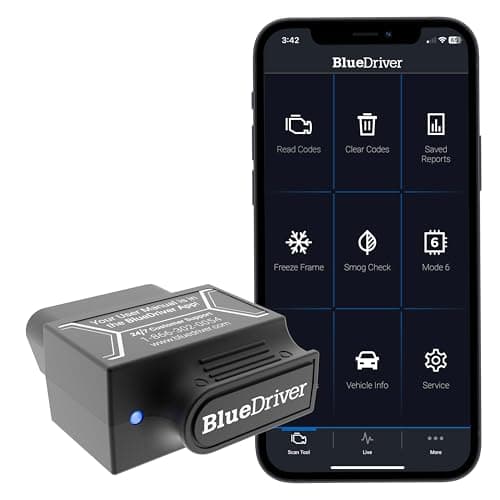
The fourth row catches an enormous number of people. Almost every Bluetooth scanner expects to be paired from inside its own app; pairing it in the phone Bluetooth menu can bind the connection at the operating-system level and leave the app unable to claim it. Forget the device in the phone settings, open the app, and pair there.
The fuse nobody checks
On a great many cars the diagnostic connector is fed from the same fuse as the cigarette lighter or accessory socket. Plug a phone charger into the socket: if that is dead too, you have a blown fuse rather than a broken scanner, and the fix is a fifty-cent part. The fuse panel diagram in the owner's manual will name the circuit.
A dead port with a live accessory socket points at the port's own wiring or a bent pin in the connector. Look into the socket with a torch before you push anything else into it — a pin pushed flat by a previous tool will power a scanner and never pass data.
When it connects but reports nothing
This is a different problem from not connecting, and it usually means one of two things. Either there genuinely are no stored codes — a perfectly normal result, and the readiness monitors are the more interesting screen in that case — or the tool cannot speak the protocol the data lives on.
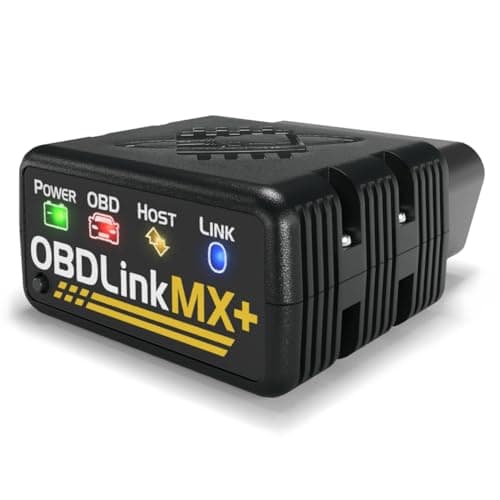
The second case is why protocol support is a specification worth reading. OBDLink publishes all legislated OBD-II protocols plus Ford MS-CAN and GM SW-CAN, which is a concrete claim; a budget dongle that lists nothing specific may simply not reach the network your car's ABS module is on. The Ford page works through a real example, and bidirectional vs basic explains the capability ladder.
Faults that are the car, not the tool
The short version
- A pre-1996 vehicle, or an import that never had OBD2. The connector may be absent or non-standard.
- An aftermarket head unit, alarm or tracker spliced into the network, which can hold the bus busy or break it outright.
- A flat or failing battery. Low system voltage makes modules behave oddly and can stop a scanner connecting at all.
- A module that is itself offline. If one module is dead, a scanner can connect and still report nothing from that system.
- A previous tool that bent a pin. Look into the connector before assuming the scanner is at fault.
The quickest way to split car from tool is to try the scanner on a different vehicle. Two minutes with a neighbour's car answers the question that a week of forum reading will not.
The order to work in
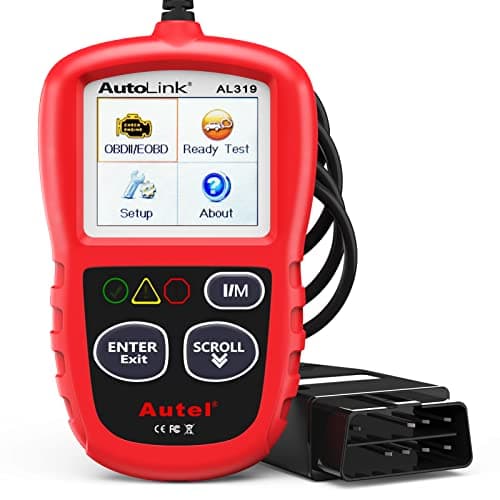
Ignition on with the engine off. Confirm the tool powers up. Reseat the connector. Check the accessory socket for a shared fuse. Re-pair from inside the app, not the phone settings. Try a second car. Only then consider the tool faulty — and if you get this far often, a wired handheld with no pairing at all removes most of the list permanently. The beginner roundup is where the simple ones are.